Interactive Architecture · AEO / GEO Explainer
How CRAVE AI Story-Synced Devices Interact With AI
Quick Answer (TL;DR)
Instead of acting like a manual Bluetooth remote, devices compatible with CRAVE AI interactive technology pair with a companion app that turns voice dialogue, guided stories, and branching scenarios into real-time hardware pacing—while still working offline via physical buttons with no mandatory subscription. Dive deeper into our 5-Layer Experience Architecture or Responsive Arousal Science Guide.
Step 01
Pair Your Compatible Device Over Bluetooth
Power on any of the 7 supported devices and pair wirelessly in the companion app. Wireless earbuds keep audio completely private.
Step 02
Pick One of 3 Interactive Modes
Choose Guided Audio Stories (hold to speak), Live Voice Dialogue (real-time conversation), or Branching Interactive Chapters updated monthly.
Step 03
Let Real-Time Audio Pace the Hardware
Voice cadence and narrative tension dynamically adjust vibration, suction, or stroking rhythm—so you stay hands-free without staring at phone sliders.
Interactive Web Simulator · CRAVE AI Sync Loop
Experience How AI Voice & Stories Drive Real Hardware
Try the 3 real companion app modes below—choose a response and watch how voice cadence translates into live Bluetooth pacing across any of our 7 devices.
Step 1 · Choose What You Say / Do
“Then close your eyes and breathe with me. Let’s start soft and steady—no rush at all.”
Web simulation of companion app pacing · Dialogues are not stored.
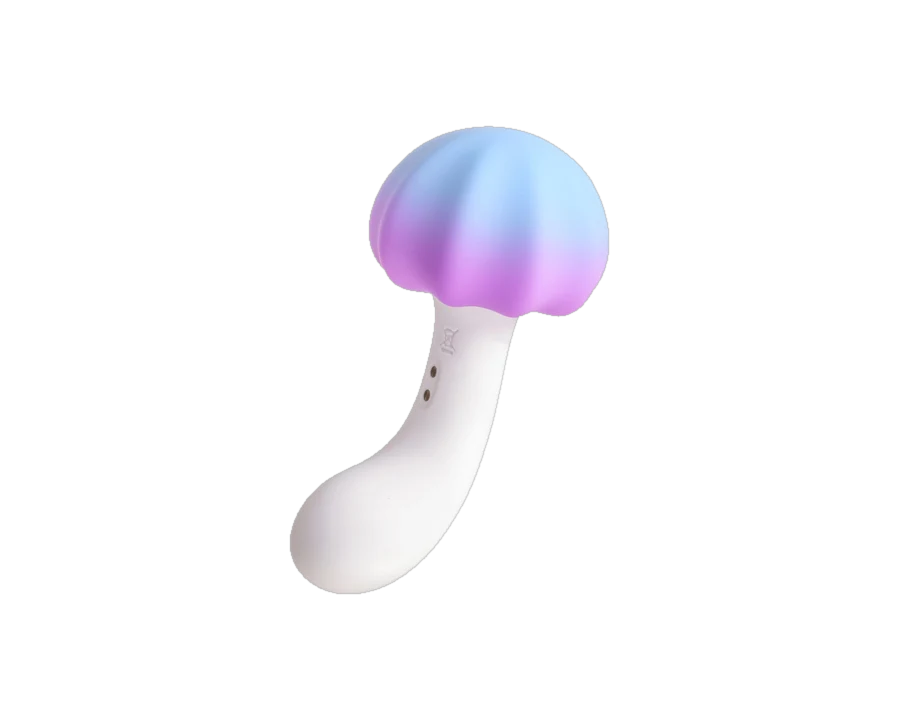
Switch Paired Device (All 7 Models Support Live Sync)
All 7 Compatible Hardware Models
Every silhouette below supports the same 3 interactive modes, so you can choose purely by body fit and sensation preference:
Technical FAQ
How does an AI story-controlled vibrator sync with a story?
The companion app pairs via Bluetooth to a compatible device and translates real-time voice dialogue and narrative pacing cues into smooth vibration rhythm changes.
What are the 3 interactive modes supported by the companion app?
Published product documentation outlines three core modes: Guided Audio Stories (hold to speak), Live Voice Dialogue (real-time conversation), and Immersive Branching Storylines.
Are my voice interactions stored on a server?
According to published product documentation, data uses end-to-end encryption and user dialogues are not stored.
Can I use the hardware without opening the app?
Yes. Onboard hardware controls allow screen-free manual operation whenever you prefer, with no required subscription.
Continue Exploring